Environment variables
Agents usually need secrets and settings at runtime — an API key for the model, a feature flag, a service URL. You set these as environment variables on the project, so they never live in your repository.
Set variables when you create a project
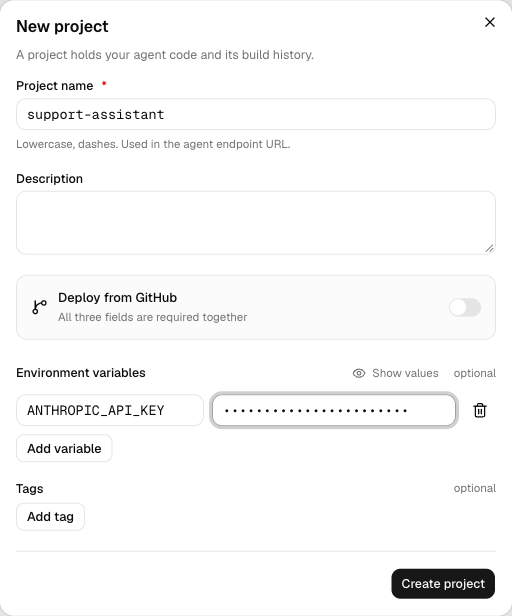
In the New project dialog, open Environment variables and choose Add variable. Each variable is a Name and a Value; use Show values to reveal what you've typed. Add as many as your agent needs, then create the project.
How variables reach your agent
Arai injects every variable into your agent's runtime environment, so your code reads them the usual way:
import os

api_key = os.environ["ANTHROPIC_API_KEY"]
The serving layer loads them before your graph starts, so they're available
from the very first request.
Keep secrets out of your repo
Never commit keys or tokens. Setting them here keeps secrets out of your source and out of your build image, and lets you use different values per project without touching code.
Treat variable values like passwords. Anyone who can open the project can manage them, so scope project access accordingly.